Play Warcraft III: The Frozen Throne in your browser
Warcraft III: The Frozen Throne (2003) is Blizzard's real-time strategy classic: the war for Azeroth continues after Reign of Chaos, with Arthas, Illidan and the Lich King at the centre of the story.
About the game
Warcraft III: The Frozen Throne was developed and published by Blizzard Entertainment in July 2003 as the expansion to Reign of Chaos. The story follows Arthas Menethil, now the Lich King's champion, and Illidan Stormrage as the defeat of the Burning Legion reshapes Azeroth. The expansion adds The Frozen Throne campaign, new heroes, units and neutral buildings.
The full campaign and skirmish mode are included: base building, resource gathering, hero leveling and army control work as they did in 2003. A desktop computer with a keyboard and mouse is required. Progress is saved automatically, and signing in keeps a cloud copy.
Screenshots
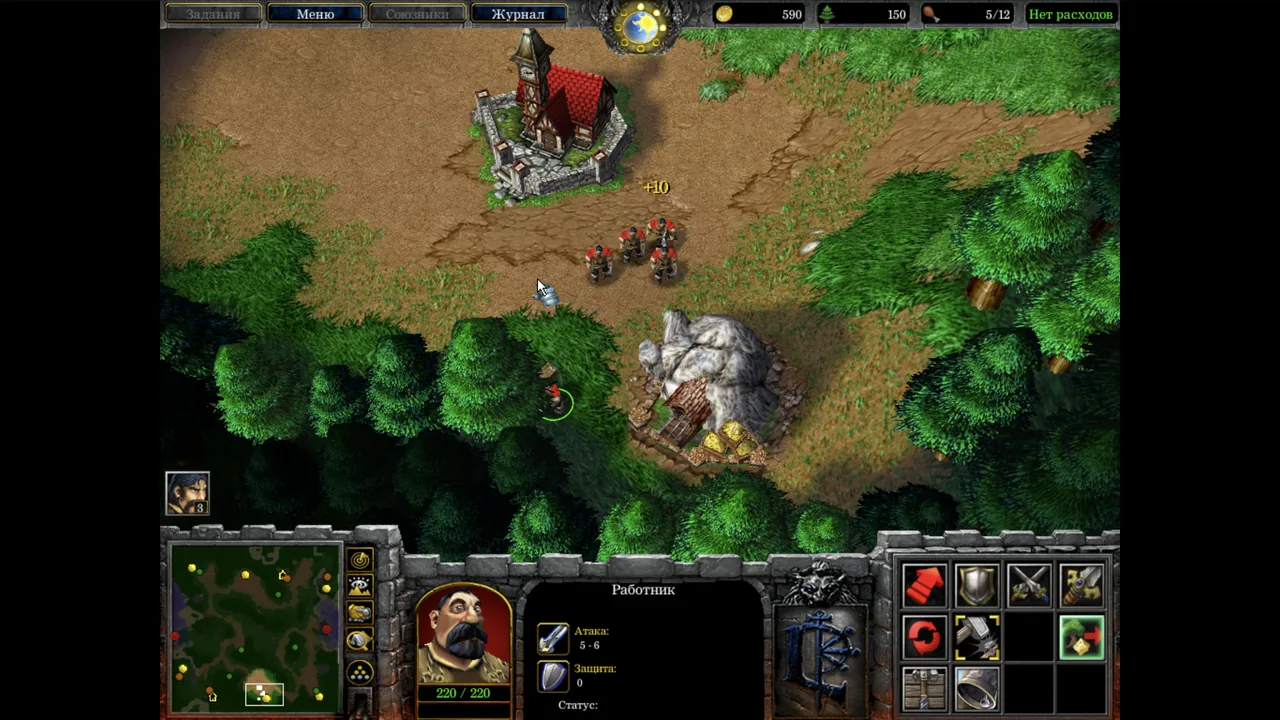
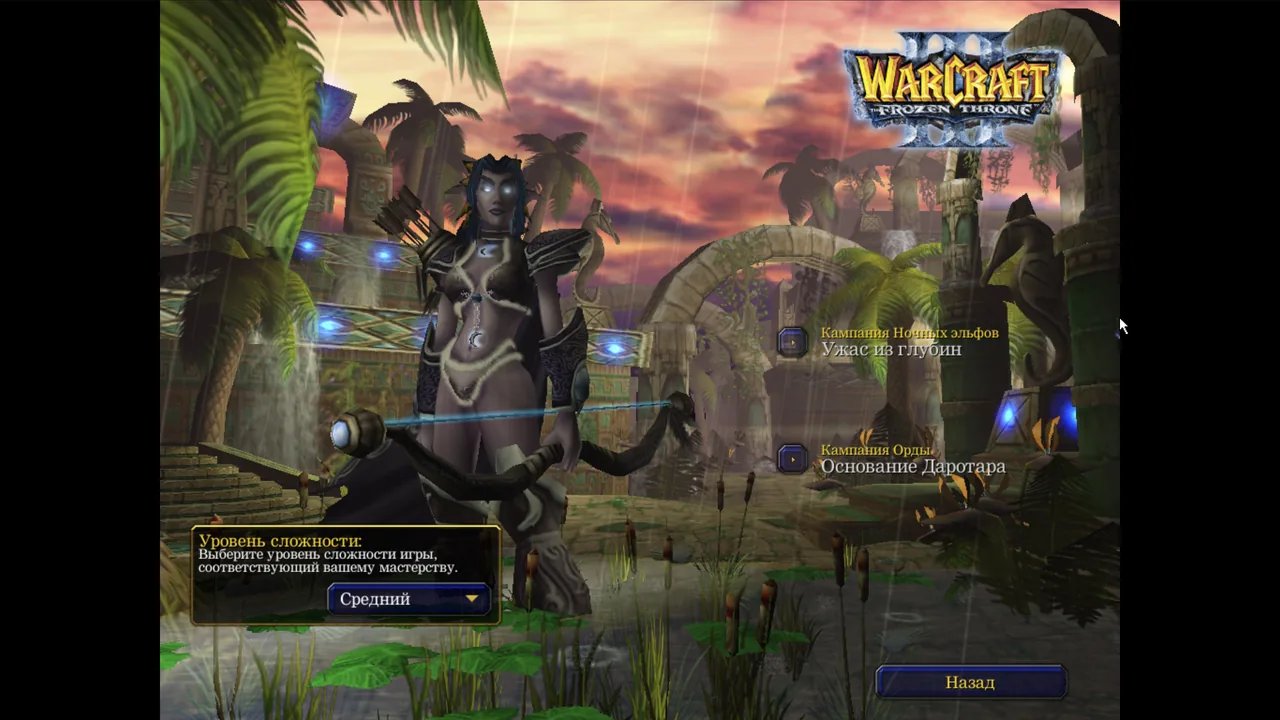
How to play in your browser
- Open the page on a desktop computer and press Play.
- Wait for the game to load and the main menu to appear.
- Choose a campaign, or start a skirmish against the computer.
- Click the game window to capture the mouse; Esc opens the game menu and releases the pointer.
Requirements
- Desktop computer
- Keyboard and mouse
- Internet connection
Controls
| Action | Key / button |
|---|---|
| select a unit or building; drag to select a group | Left click |
| move, attack or interact | Right click |
| scroll the map | Arrow keys / screen edge |
| assign a control group | Ctrl + 1–9 |
| select it | 1–9 |
| attack-move | A, then left click |
| stop / hold position | S / H |
| build menu (with a worker selected) | B |
| hero abilities | Q / W / E / R |
| game menu / pause (Esc also works) | Backspace |
Frequently asked questions
- Is Warcraft III: The Frozen Throne playable in a browser?
- Yes, on a desktop computer with a keyboard and mouse.
- Is this the original 2003 game?
- Yes. It is the original Blizzard release, not a remake, with both the Reign of Chaos and The Frozen Throne campaigns.
- Does it work on phones?
- No, it is made for a desktop computer with a keyboard and mouse. Phones show a notice instead of starting the game.
- Do I need to download anything?
- No — the game runs right in the browser.
- Are the saves kept between visits?
- Yes, progress is saved automatically, and signing in adds a cloud copy so you can continue on another computer.
Updated