Play Diablo II: Lord of Destruction in your browser
Diablo II: Lord of Destruction is Blizzard North's 2001 expansion to the 2000 action RPG, and the version most players remember. This page runs the original 1.14d client on BottleShip inside the tab, with no installer and no Battle.net account.
About the game
Diablo II was developed by Blizzard North and published by Blizzard Entertainment in June 2000; Lord of Destruction followed in June 2001. The expansion added two classes, a fifth act, runes and the upgraded Horadric Cube recipes that shaped the game's item economy. The five acts move from the Rogue Encampment to the desert, the jungle, hell and the Barbarian highlands.
The browser edition runs the original 1.14d client on BottleShip: the Windows executable, the Direct3D renderer and the MPQ data are streamed on the first launch and cached. Five acts, seven classes, randomized loot and runewords are included. A desktop computer with a keyboard and mouse is required, plus a Chromium browser with WebGPU. Characters and saves stay in browser storage and sync to the cloud after sign-in. The original item system and difficulty levels are kept, so the browser build plays like the 1.14d client rather than a remake. The port keeps the original item system, runes and Horadric Cube recipes, so the single-player economy works as in the 1.14d client. Resolution and sound are configured before the first character is created, and the intro can be skipped with any key.
Screenshots
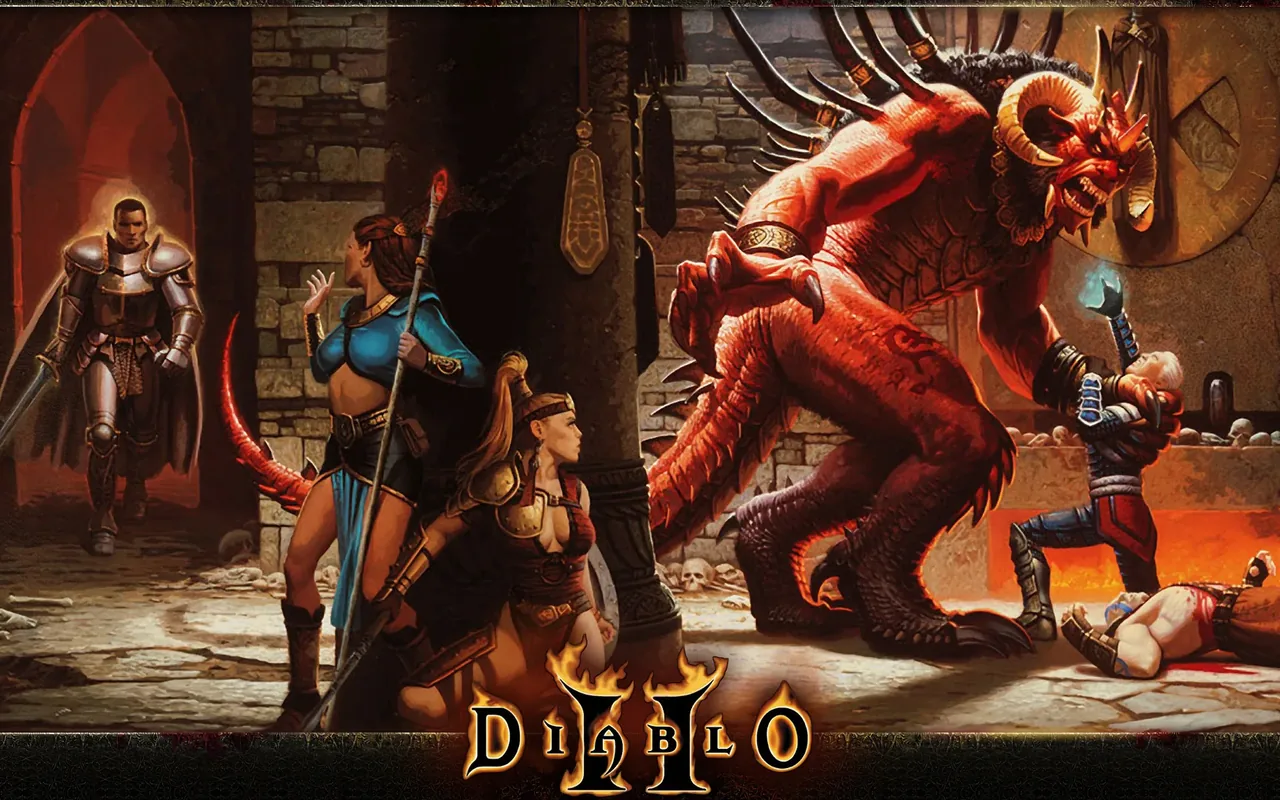
How to play in your browser
- Open the page in Chrome or Edge on a desktop computer and press Play to start the download; the client, renderer and MPQ data arrive first. If the loader stalls for several minutes, check that WebGPU is enabled before reloading.
- Wait for the first download and the main menu; press any key to skip the intro movie and go straight to character selection. The game captures the pointer only while the window is focused, so alt-tabbing releases it safely.
- Choose Single Player, pick a class, enter a name and confirm the character, then set the difficulty for the session. Lowering resolution is the quickest way to steady the frame rate in crowded fights.
- Click to move and attack; use the controls table for inventory, skills, quests and the map, and bind the main skill to the right mouse button. Alt reveals items on the ground, which is essential after a large pack of monsters.
- Set the site language to switch between the English and Russian builds; saves are shared, so progress carries over. The stash and inventory are mouse-driven, so keep a free hand on the keyboard for skills.
- Adjust resolution and sound in the options, and save manually before a boss fight or a long run through an act. Cloud sync happens after the character save, so finish a run before closing the tab.
Requirements
- Desktop computer with a modern Chromium-based browser and WebGPU enabled; the Direct3D renderer depends on it. The page caches the streamed MPQ data, so clearing site data forces a new download.
- Keyboard and mouse; there is no touch control layout, and the inventory and skill system rely on mouse clicks. A mouse with a scroll wheel is useful for inventory management and zooming.
- Stable connection for the first launch of the game data and MPQ files, plus enough browser storage for characters. There is no touch layout, so a laptop or desktop with a physical keyboard is required.
Controls
| Action | Key / button |
|---|---|
| move / attack / pick up | Left click |
| interact / cast the selected skill | Right click |
| stand still and attack | Shift |
| show items on the ground | Alt |
| automap | Tab |
| inventory | I |
| character | C |
| skill tree | S |
| quests | Q |
| drink belt potions | 1–4 |
| chat | Enter |
| game menu (Esc also opens the quit dialog) | Esc / Backspace |
Frequently asked questions
- Is this Diablo II or Diablo II: Resurrected?
- It is the original game with the Lord of Destruction expansion, client 1.14d. Resurrected is a separate remaster with different graphics and is not used here, so the sprites and UI are the classic ones.
- Does Diablo II work on phones?
- No. It needs desktop-class graphics, a keyboard and a mouse, and a Chromium browser with WebGPU. Phones show a notice instead of starting the Windows client.
- Is there online multiplayer?
- No. This build runs the single-player client: there is no Battle.net login, trading or ladder. Characters stay on this device and in your cloud saves, and the game is played offline.
- Can I switch between English and Russian?
- Yes. Change the site language: the English and Russian builds share characters and saves, so progress carries over. The language choice affects the game text, not the save format.
- How do saves work?
- Characters are saved in browser storage while you play, and signing in mirrors them to the cloud so another computer can load the same character. Without an account the character stays in this browser profile.
- Can I skip the opening movie?
- Yes. Press any key or click during the intro, and the game goes straight to the main menu. The intro also plays only on a fresh start, not on every launch.
- Which classes are available?
- All seven: Amazon, Sorceress, Necromancer, Paladin, Barbarian, Druid and Assassin. The expansion classes and the fifth act are included, along with runes and the expanded Horadric Cube recipes.
- Are runes and runewords in the browser build?
- Yes. Runes, the Horadric Cube and the Lord of Destruction runewords are part of the 1.14d data, so the item system works as in the original. Drop rates follow the single-player rules, and there is no ladder-only content or online trading.
Updated