Play Far Cry in your browser
Far Cry (2004) is Crytek's open-ended first-person shooter: a tropical archipelago, a private army, outposts, vehicles and a campaign that lets you choose stealth or open combat.
About the game
The browser build runs the original PC game on BottleShip: the Windows executable, the Direct3D 9 renderer and the game data are streamed on the first launch and cached in the browser.
Desktop only: Far Cry needs a keyboard and mouse, WebGPU and a modern Chromium-based browser. The first level takes a few minutes to load.
Progress is saved in browser storage; signing in mirrors saves to the cloud, so you can continue on another computer.
Screenshots
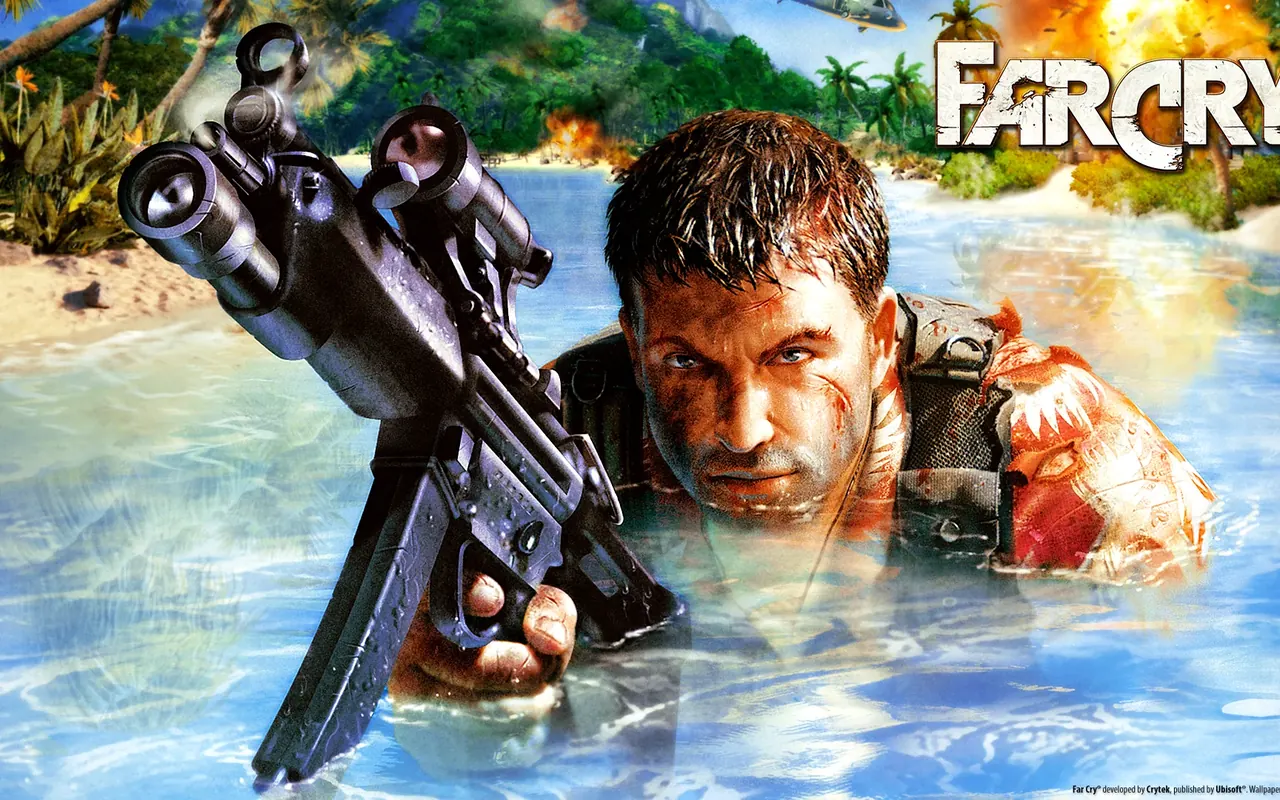
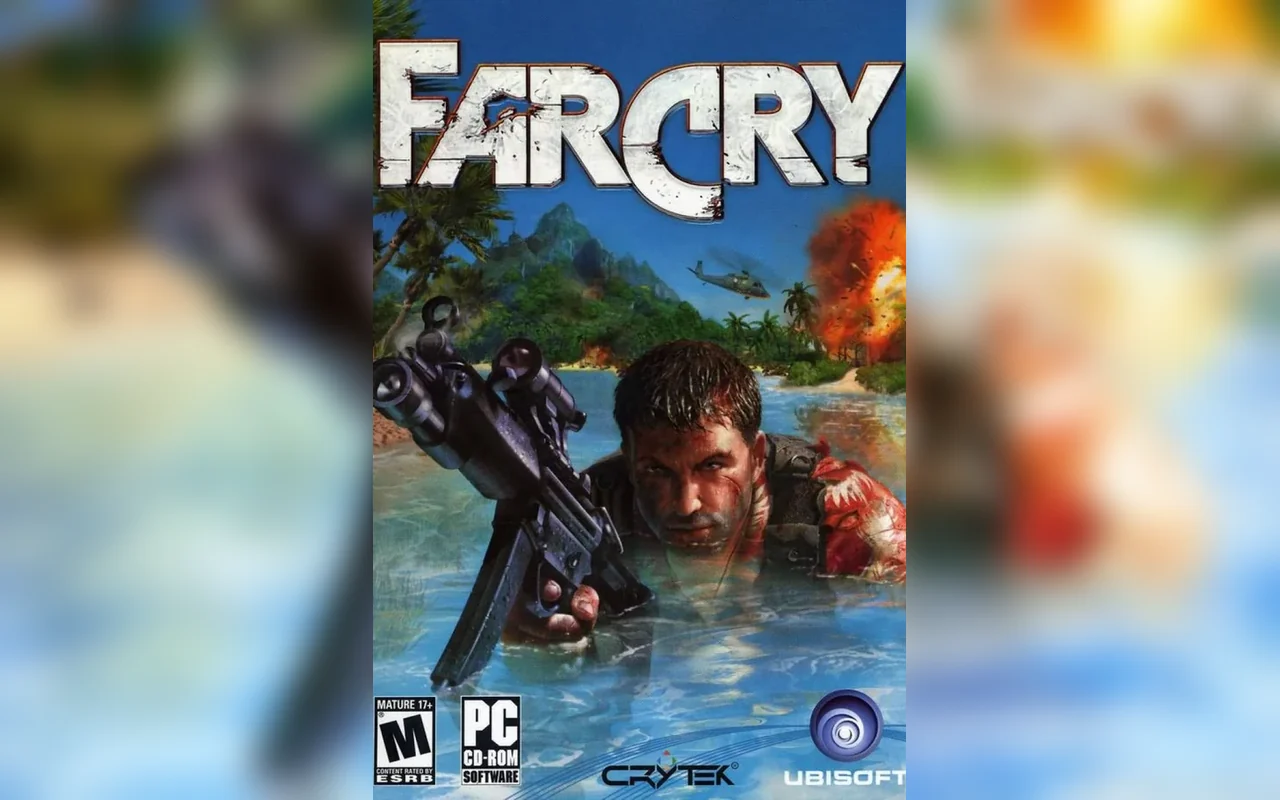
How to play in your browser
- Open the page in Chrome or Edge on a desktop computer and press Play.
- Wait for the first download and the level to load — this can take several minutes.
- Click the game to capture the mouse; Esc releases it.
- Use the controls table for movement, weapons and the map.
Requirements
- Desktop computer
- Keyboard and mouse
- Chrome/Edge with WebGPU
- Stable connection for the first launch
Controls
| Action | Key / button |
|---|---|
| move | WASD |
| look / aim | Mouse |
| fire | left click |
| zoom / scope | Right click |
| jump | Space |
| crouch | C |
| prone | Z |
| sprint | Shift |
| use / pick up | F |
| reload | R |
| change weapon | 1–9 / mouse wheel |
| throw grenade | G |
| flashlight | L |
| pause menu (Esc — quit dialog) | Backspace |
Frequently asked questions
- Is Far Cry playable in a browser?
- Yes, on a desktop computer.
- Is this the original Far Cry or a remake?
- The original 2004 game.
- Does it work on phones?
- No, it requires desktop graphics and controls.
- Do I need to download anything?
- No, game data is streamed and cached by the browser.
Updated