Play Need for Speed: Most Wanted in your browser
Need for Speed: Most Wanted is EA Black Box's 2005 racing game, built around open-world police pursuits and the Blacklist. This page runs the Black Edition of the PC release in the tab, with no installer and no disc.
About the game
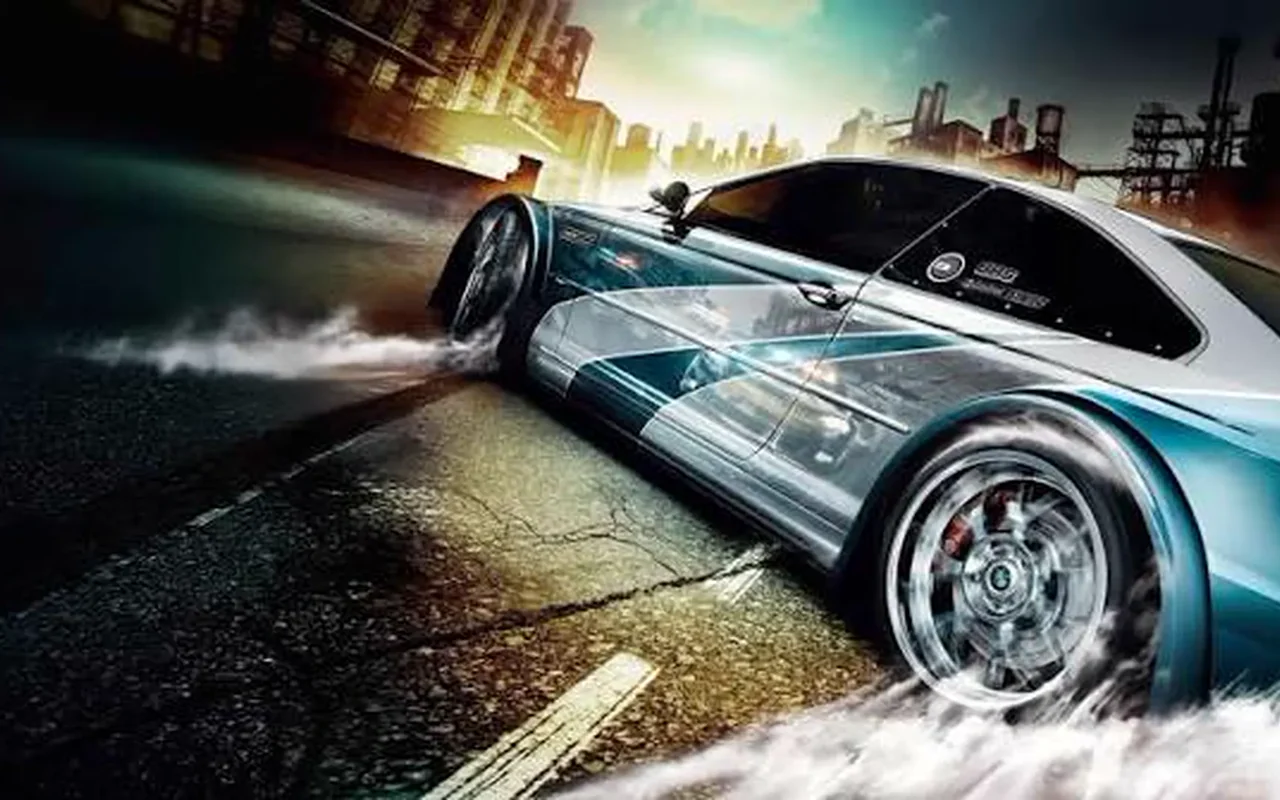
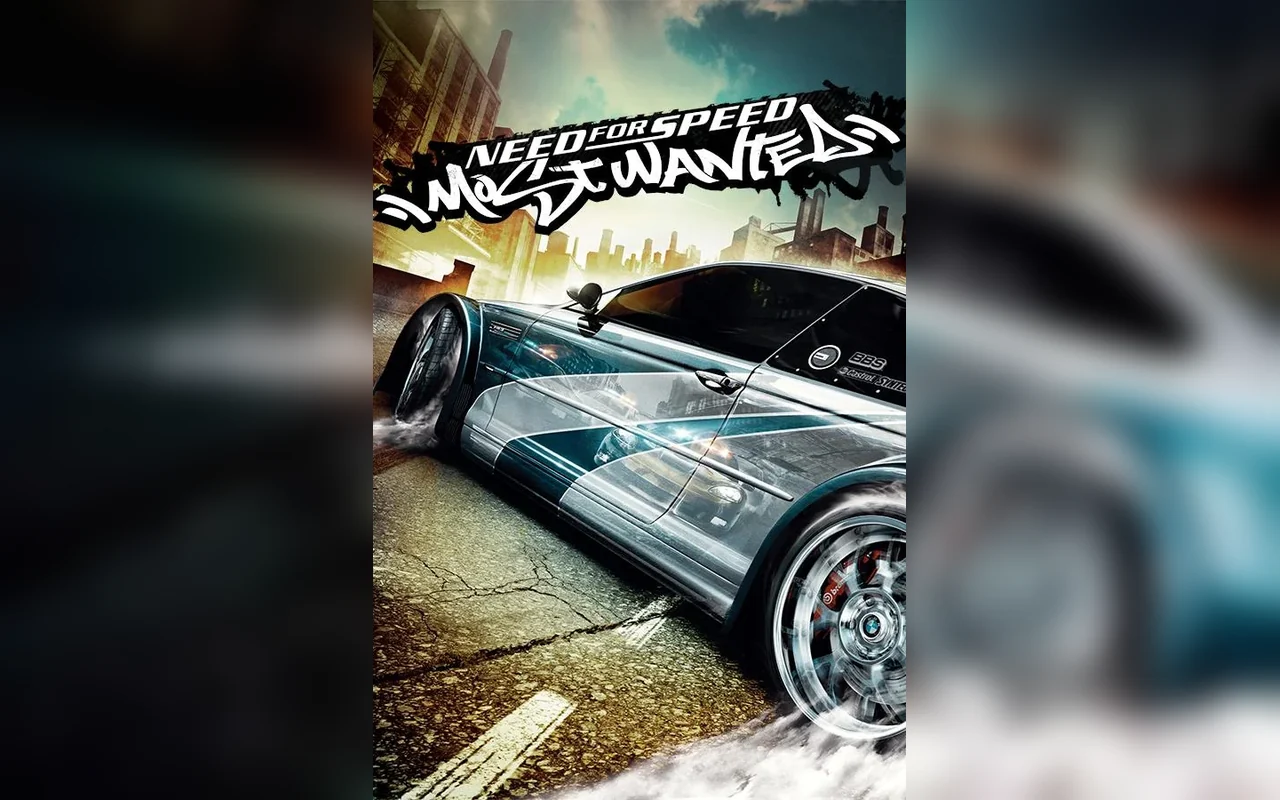
Need for Speed: Most Wanted was developed by EA Black Box and published by Electronic Arts in November 2005. It combined street racing with police pursuits, the Blacklist of rival drivers and the Speedbreaker mechanic, and the Black Edition added extra cars and events. The city of Rockport is open, with race events scattered between pursuit routes.
The browser edition runs the Black Edition on a recompiled engine: the original speed.exe is compiled to WebAssembly and its Direct3D 9 renderer runs on WebGPU. The career, Blacklist, tuning and BMW M3 GTR are streamed into the tab on the first visit. A desktop computer with a keyboard and mouse is required, and a browser-visible gamepad works too. Progress is stored in browser storage and synced to the cloud after sign-in. The original pursuit rules and Blacklist structure are kept rather than rebuilt. The port keeps the original pursuit rules and Blacklist structure, so heat levels, pursuit breakers and hiding spots still shape the career. The Black Edition cars and events are part of the same data, not a separate download, and WebGPU is required because the renderer is the original Direct3D 9 path.
Screenshots
How to play in your browser
- Open the page in a desktop Chromium-based browser and press Play; the renderer needs WebGPU and the first download is the longest part. If the page refuses to start, check that WebGPU is enabled in the browser before reloading.
- Wait for the first download to finish before starting the career, so Rockport and the event data are ready. The game captures the pointer only while the window is focused, so alt-tabbing releases it safely.
- Set resolution, graphics quality and frame limiter in the options menu, then test the handling and Speedbreaker in a quick race. Lowering graphics quality is the quickest way to steady the frame rate during pursuits.
- Use the controls table above for driving, Speedbreaker, nitro and back, and check the gamepad bindings if you use one. Heat drops when you stay out of sight, so use a hiding spot instead of driving in circles.
- Start a career or a quick race from the main menu, then tune the car in the garage as the Blacklist advances. The garage shows which Blacklist events are unlocked, which helps when the map is crowded.
- Sign in so the career, Blacklist progress and garage are copied to your account, and confirm the cloud save before switching devices. Cloud sync happens after the career save, so finish an event before closing the tab.
Requirements
- Desktop computer with a modern Chromium-based browser; the Direct3D 9 renderer depends on WebGPU being available. The page caches the streamed city and career data, so clearing site data forces a new download.
- Keyboard or a browser-visible gamepad, plus a mouse for the menus; touch controls are not provided. A gamepad is optional; the keyboard bindings listed above work without any extra setup.
- Stable connection for the first launch of streamed game data, plus enough browser storage for the career and cache. There is no touch layout, so a laptop or desktop with a physical keyboard is required.
Controls
| Action | Key / button |
|---|---|
| accelerate | Arrow Up / W |
| brake / reverse | Arrow Down / S |
| steer | Arrow Left / Right or A / D |
| handbrake (drift) | Space |
| Speedbreaker | B |
| nitro (when installed) | N |
| accept | Enter |
| pause / back | Backspace |
| leave fullscreen | Esc |
Frequently asked questions
- Is this the Black Edition?
- Yes. The page runs the Black Edition of the 2005 PC game, with its extra cars and events, not the standard edition. The career and Blacklist structure are the same as the original release.
- Does Most Wanted work on phones?
- No. The game is desktop-only: it needs desktop graphics, a keyboard or gamepad, and a mouse. Phones show a notice instead of starting the recompiled build.
- How do police pursuits work?
- Police notice speeding and collisions, then escalate through pursuit levels. Pursuit breakers and hiding spots can end a chase, as in the original, and the heat level carries into later events.
- What is Speedbreaker?
- Speedbreaker briefly slows time so you can steer through traffic or a roadblock. It has a cooldown and is bound to B by default. It is the main tool for surviving high-level pursuits.
- Are saves kept between computers?
- Career progress, the Blacklist, cars and setups are stored in browser storage. Signing in adds cloud saves for another desktop, and a guest career stays in this browser profile.
- Do I need a disc or EA App?
- No. There is no launcher and no disc: the page streams the game data and caches it in the browser. No EA account is required to start the career.
- Which browser works best?
- A current Chrome or Edge build is recommended because the Direct3D 9 renderer uses WebGPU. Other browsers may refuse to start the game or fall back to a slower path.
- Can I lose a police pursuit and continue the career?
- Yes. If a pursuit ends badly, the career continues from the last safe point and the car may be impounded or the event retried. The Blacklist progression is not erased, so a failed chase costs time rather than the whole playthrough.
Updated