Play Painkiller: Black Edition in your browser
Painkiller: Black Edition (2004) is People Can Fly's old-school arena shooter: Daniel Garner fights through heaven and hell with a spinning blade, stake guns and absurdly oversized bosses.
About the game
This release includes the full base campaign and the Battle Out of Hell expansion in one 1.64 build, with tarot cards, secret areas and the original over-the-top weapon set.
The browser build runs the original Win32 client on BottleShip: the Windows executable, the Direct3D 9 renderer and the PAK game data are streamed on the first launch and cached in the browser.
The English and Russian builds are selected by the site language and share saves. Desktop only: Painkiller needs a keyboard and mouse, WebGPU and a modern Chromium-based browser.
Progress is saved in browser storage; signing in mirrors saves to the cloud, so you can continue on another computer.
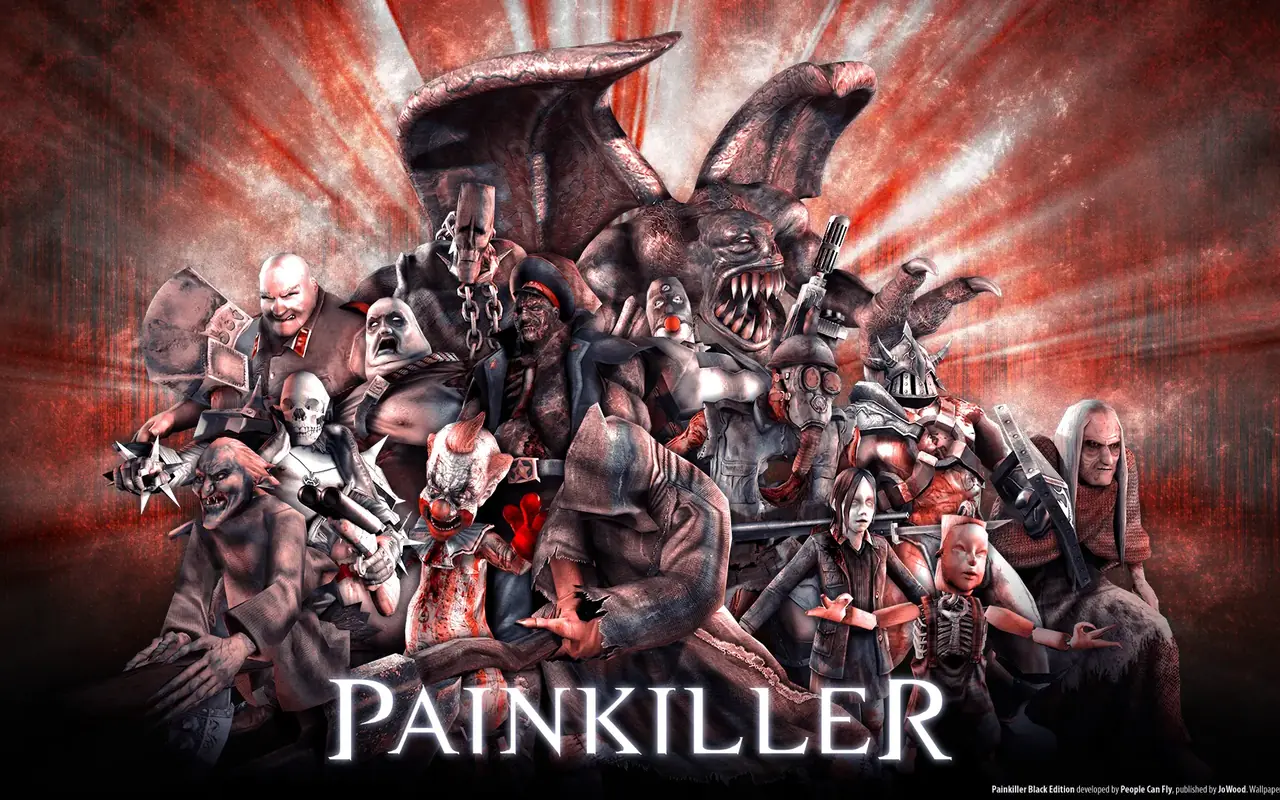
Screenshots

How to play in your browser
- Open the page in Chrome or Edge on a desktop computer and press Play.
- Wait for the first download and the main menu.
- Choose Sign the Pact, pick a difficulty and start the campaign.
- Click the game to capture the mouse; Esc releases it.
Requirements
- Desktop computer
- Keyboard and mouse
- Chrome/Edge with WebGPU
- Stable connection for the first launch
Controls
| Action | Key / button |
|---|---|
| move | WASD |
| look / aim | Mouse |
| fire | left click |
| alternate fire | right click |
| jump | Space |
| quick-select the best weapon | Shift |
| use / pick up tarot cards | E |
| flashlight | L |
| change weapon | 1–0 / mouse wheel |
| quick save / quick load | F5 / F9 |
| scoreboard | Tab |
| pause menu (Esc — quit dialog) | Backspace |
Frequently asked questions
- Is Painkiller playable in a browser?
- Yes, on a desktop computer.
- Does this include Battle Out of Hell?
- Yes — Black Edition 1.64 ships the base game and the Battle Out of Hell expansion.
- Does it work on phones?
- No, it requires desktop graphics, a keyboard and a mouse.
- Do I need to download anything?
- No, the game data is streamed and cached by the browser.
- Are English and Russian saves shared?
- Yes — both builds use the same save container, so progress carries over when you switch the site language.
Updated