Play Tomb Raider: Chronicles in your browser
Tomb Raider: Chronicles (2000) is Core Design's fifth Lara Croft adventure: four flashbacks — the streets of Rome, a Russian submarine, an Irish monastery and the VCI tower — framed by the events after The Last Revelation.
About the game
The complete 2000 game runs right in your browser — no disc, no installer. All four flashback episodes and the cutscenes are included.
Controls follow the 2000 PC defaults: arrow keys move and turn, Ctrl draws the pistols, Alt jumps and Space grabs ledges and picks up items. Every binding can be changed in Options → Control Configuration.
Progress is saved automatically, and signing in keeps a cloud copy so you can continue on another computer.
Desktop only: the game is played with a keyboard and a mouse.
Screenshots
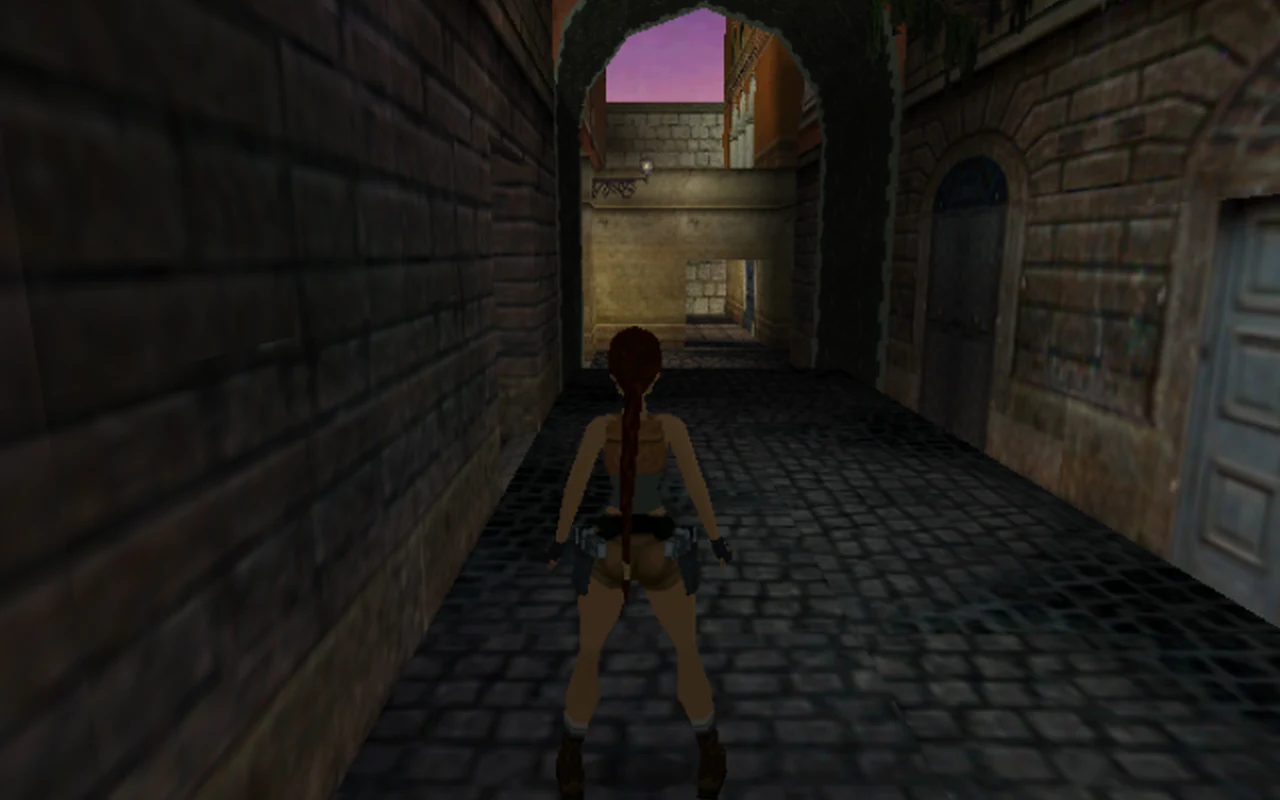
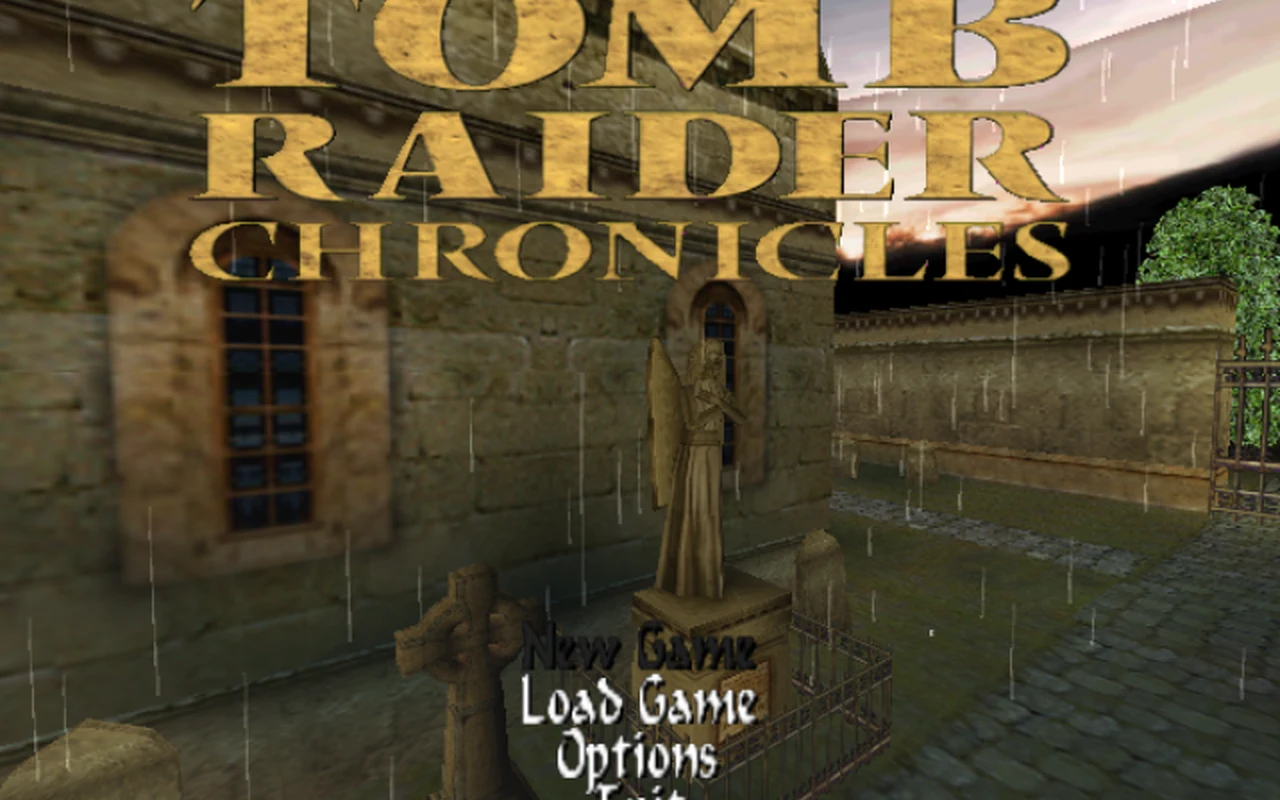
How to play in your browser
- Open the page on a desktop computer and press Play.
- Wait for the game to load and the main menu to appear.
- Choose New Game and start the Rome prologue.
- Click the game to capture the mouse; Esc opens the inventory and releases the pointer.
Requirements
- Desktop computer
- Keyboard and mouse
- Internet connection
Controls
| Action | Key / button |
|---|---|
| move / turn | Arrow keys |
| walk slowly | Shift |
| draw / holster weapons, fire | Ctrl |
| jump | Alt |
| action (grab, use, pick up) | Space |
| roll | End |
| crouch | . |
| look around | / |
| inventory ring | Esc |
| pause menu | P |
| confirm | Enter |
Frequently asked questions
- Is Tomb Raider: Chronicles playable in a browser?
- Yes, on a desktop computer with a keyboard and mouse.
- Is this the original 2000 game?
- Yes. It is the original 2000 PC release from Core Design — not a remake, but the original game.
- Does it work on phones?
- No, it is made for a desktop computer with a keyboard and mouse. Phones show a notice instead of starting the game.
- Do I need to download anything?
- No — the game runs right in the browser.
- Are the saves kept between visits?
- Yes, progress is saved automatically, and signing in adds a cloud copy so you can continue on another computer.
Updated