Play Resident Evil 4 (PS2) in your browser
Resident Evil 4 is Capcom's 2005 survival-horror game, and the PS2 release added the Separate Ways campaign. This page runs the PS2 disc on the Play! emulator inside the tab: the image is streamed in chunks, so the first launch takes a while.
About the game
Resident Evil 4 was developed and published by Capcom in 2005. It moved the series from fixed cameras to an over-the-shoulder view, tightened the shooting and made weapon upgrades and the merchant part of the loop. The PlayStation 2 version followed the GameCube release and added Separate Ways, the Ada Wong campaign.
The browser edition runs the PS2 disc on the Play! emulator, compiled to WebAssembly. The disc image is streamed in chunks instead of being downloaded whole, so the first launch is slow and a stable connection matters. A desktop computer with a keyboard and mouse is recommended. The emulator menu handles save states, and the game's memory card is created on the first BIOS boot. The on-screen controls follow the PS2 pad layout, and the original campaign, merchant and weapon upgrade system are kept rather than reworked for the web. The port keeps the original campaign, merchant and weapon upgrade system, so the PS2 disc data is used rather than a rebuilt web version. Separate Ways and Mercenaries are part of the same disc image, and save states and the emulated memory card cover different needs. A stable connection is required because the disc is streamed.
Screenshots
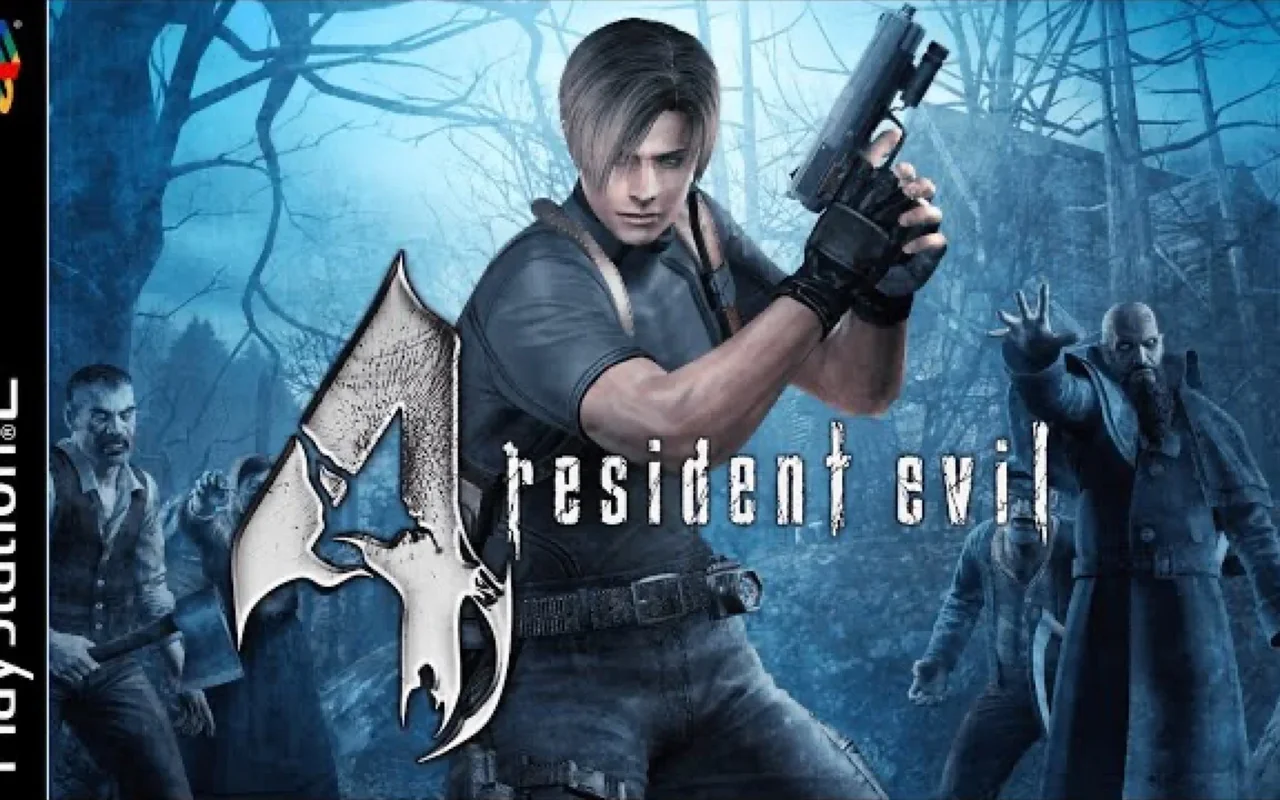
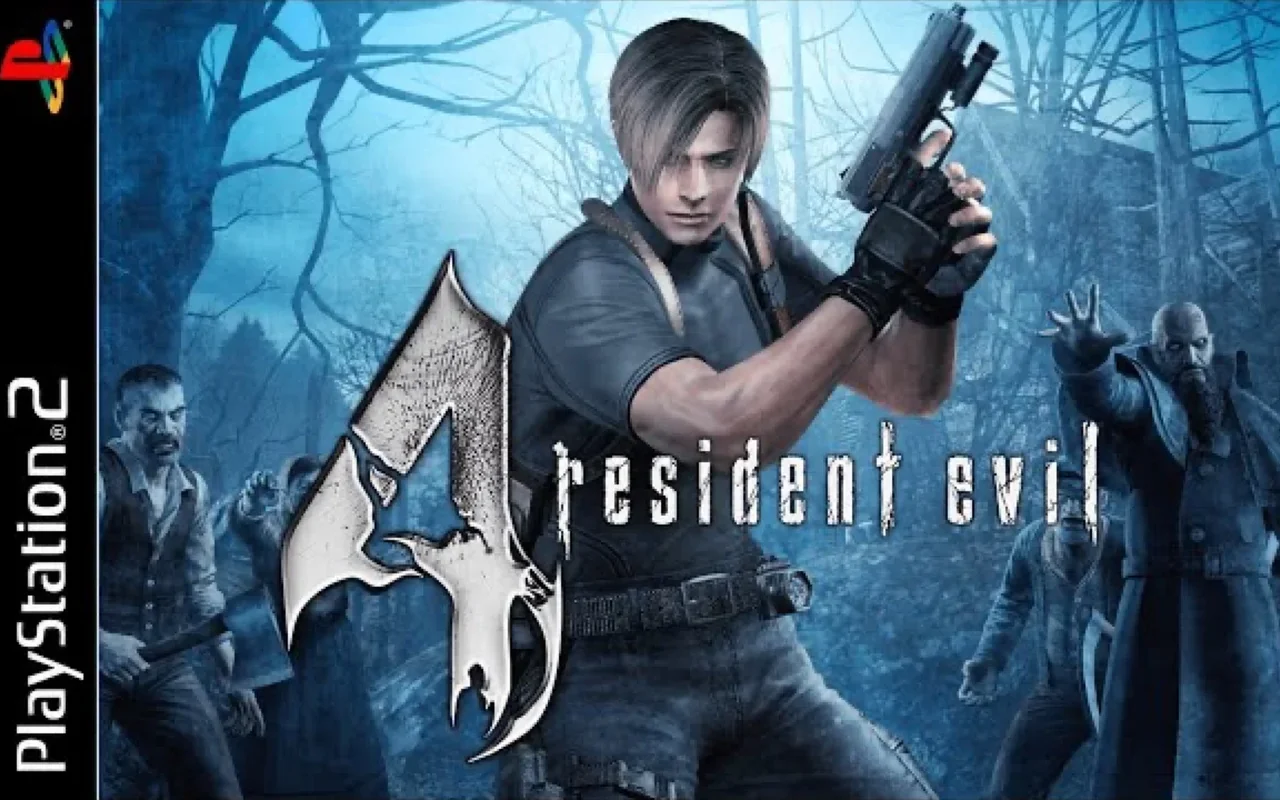
How to play in your browser
- Open the page on a desktop computer: the PS2 emulator needs a keyboard and mouse and desktop-class hardware. If the BIOS prompt does not accept input, click the game area once so the emulator captures the keyboard.
- Press Play and wait for the first part of the disc image to download; the emulator can start before the whole disc has arrived. The first download continues in the background, so wait for the status line before entering a new area.
- On the first boot, create memory card data in the BIOS prompt, choose Yes with the D-pad and confirm with Cross. The emulator menu maps the PS2 pad keys and can remap them if a key conflicts with the browser.
- Click the game area once so the emulator captures keyboard input, then use Enter as Start to leave the BIOS screen. Save states are best used before a difficult encounter, while the in-game typewriter is the normal save.
- Use the PS2 pad keys from the controls table for movement, aiming, shooting and the action button. The merchant appears at set points, so check the map before spending money on upgrades.
- Open the emulator menu to save a state before a difficult section, and use the in-game merchant and typewriter for normal saves. Closing the tab during a stream may lose unsaved progress, so use a save state first.
Requirements
- Desktop computer with a modern browser and hardware acceleration; the emulator does not target phones. The page caches parts of the disc image, so clearing site data forces a new stream.
- Keyboard and mouse, with the PS2 pad layout mapped to the keys listed in the controls table. A mouse with a scroll wheel is useful in the menus, but the pad keys drive the game.
- Stable connection for the streamed disc image and enough browser storage for save states and memory card data. There is no phone layout, so a desktop or laptop with a physical keyboard is required.
Controls
| Action | Key / button |
|---|---|
| movement and menus (left stick + D-pad) | Arrows |
| Cross (confirm / shoot) | S |
| Circle (cancel) | A |
| Square, W — Triangle | D |
| L1 / R1 | Q / E |
| L2 / R2 | Tab / R |
| Start, Shift — Select | Enter |
| pick Yes with the D-pad and confirm with Cross | First launch: the emulated BIOS asks to create memory card data |
Frequently asked questions
- Which version of Resident Evil 4 is this?
- The PlayStation 2 release from 2005, running on the Play! emulator. It includes Separate Ways, the Ada Wong campaign added in the PS2 port.
- Why is the first launch so slow?
- The PS2 disc image is streamed in chunks rather than downloaded at once. The emulator starts as soon as enough data is available, and later runs reuse what is cached.
- Does it work on phones?
- No practical support: the PS2 emulator needs a keyboard and mouse and desktop-class hardware. A desktop computer is recommended.
- What is the memory card prompt on first boot?
- The emulated PS2 BIOS asks whether to create memory card data. Choose Yes with the D-pad and confirm with Cross; the game then boots normally.
- Can I save the game?
- Yes. The emulator menu supports save states, and the game itself saves through the emulated memory card once it has been created in the BIOS.
- Do I need to download the disc or a BIOS file?
- No. The page provides the game data and the emulator environment; there is no disc image or BIOS file to download and configure yourself.
- How do the controls map to the PS2 pad?
- The controls table lists the keyboard keys for the D-pad, Cross, Circle, Square, Triangle, L1, L2, R1, R2, Start and Select.
- Does the PS2 version include Mercenaries mode?
- Yes, the PS2 disc includes the Mercenaries mode in addition to the main campaign and Separate Ways. It is part of the same game data, so it becomes available through the normal in-game menus once the disc has loaded.
Updated